 Improvements
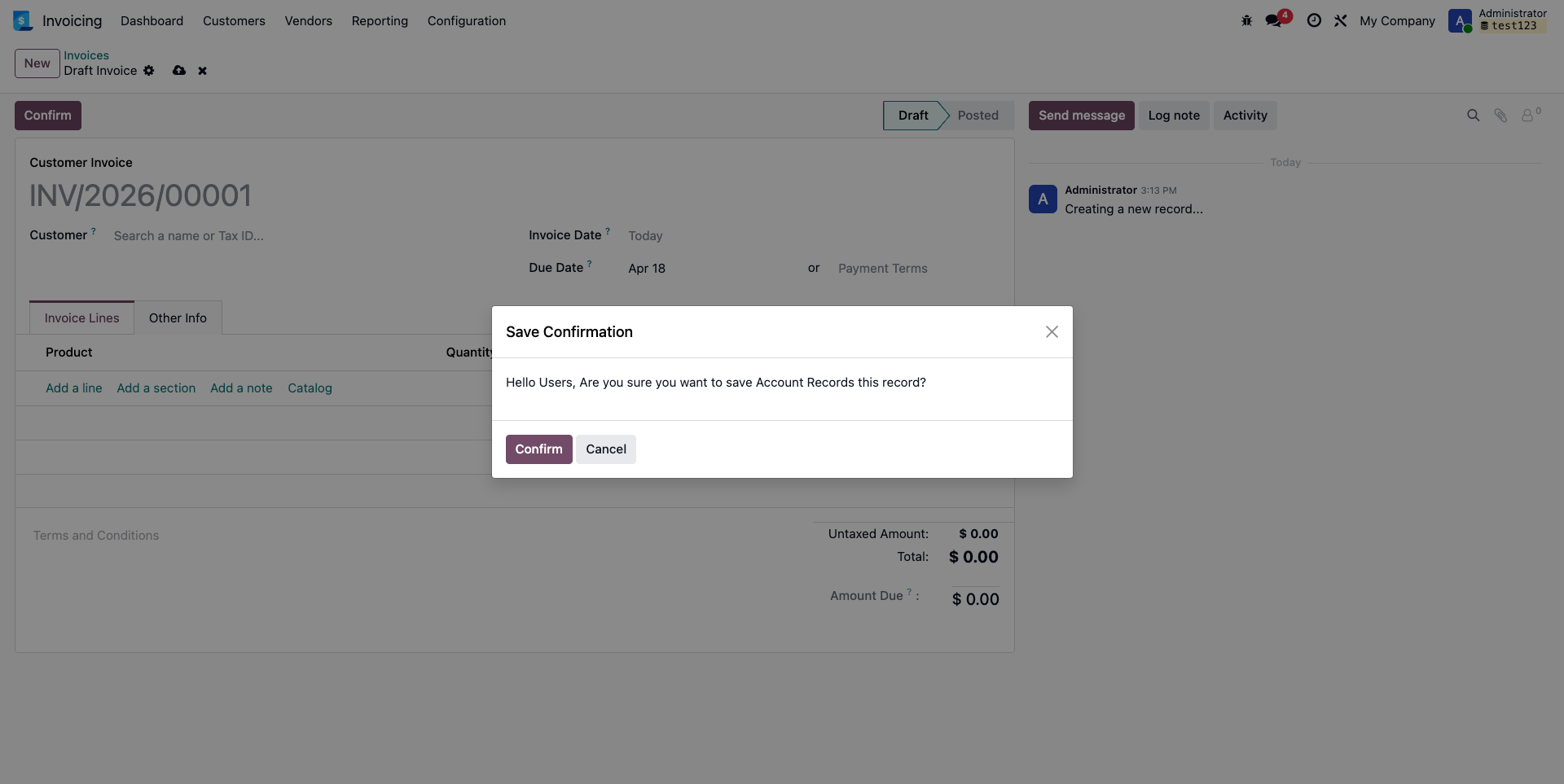
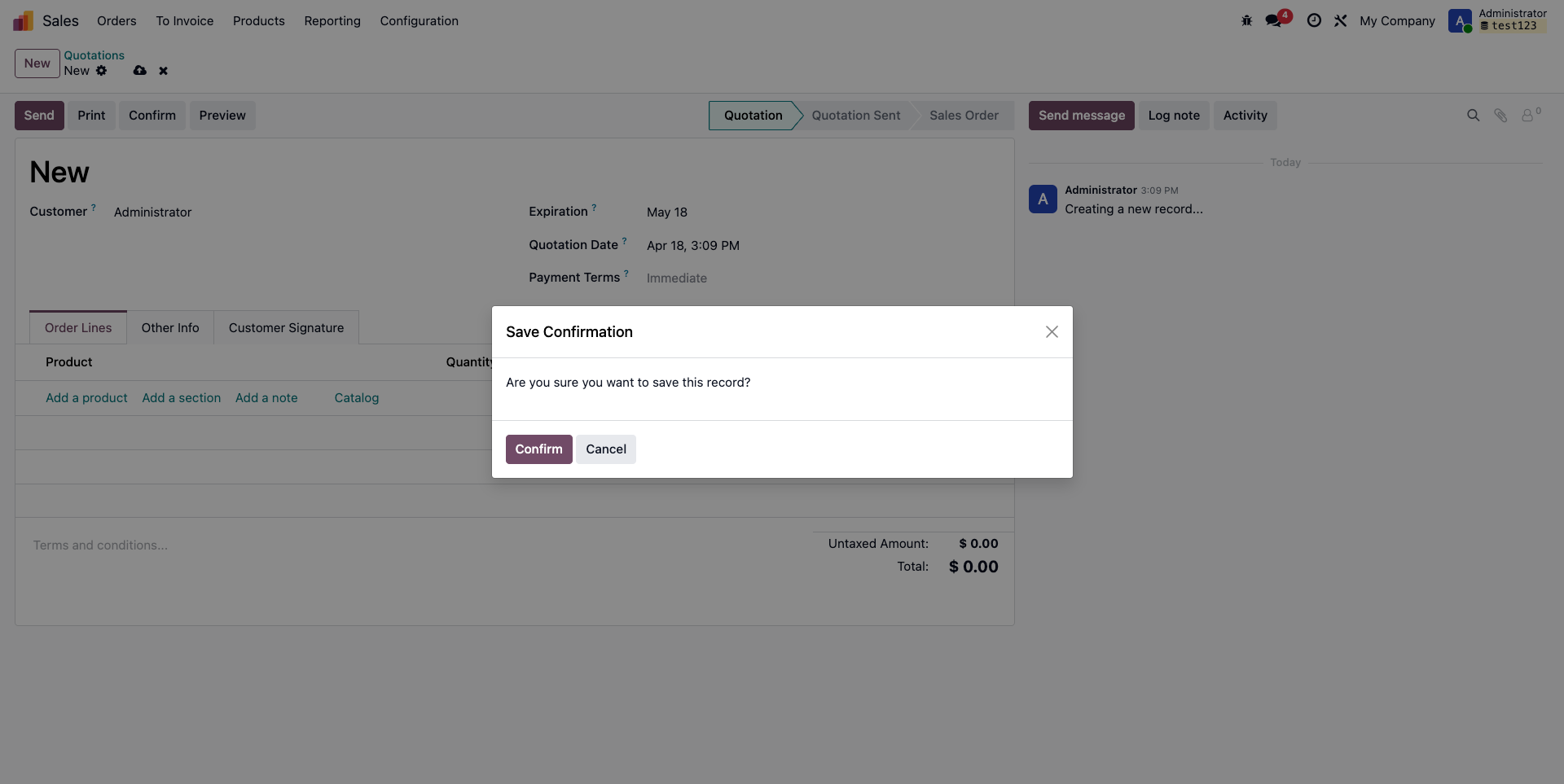
The Save Confirmation Control module is an Odoo tool designed to prevent accidental data entry errors by adding a confirmation popup whenever a user attempts to save a record.
Key Features :
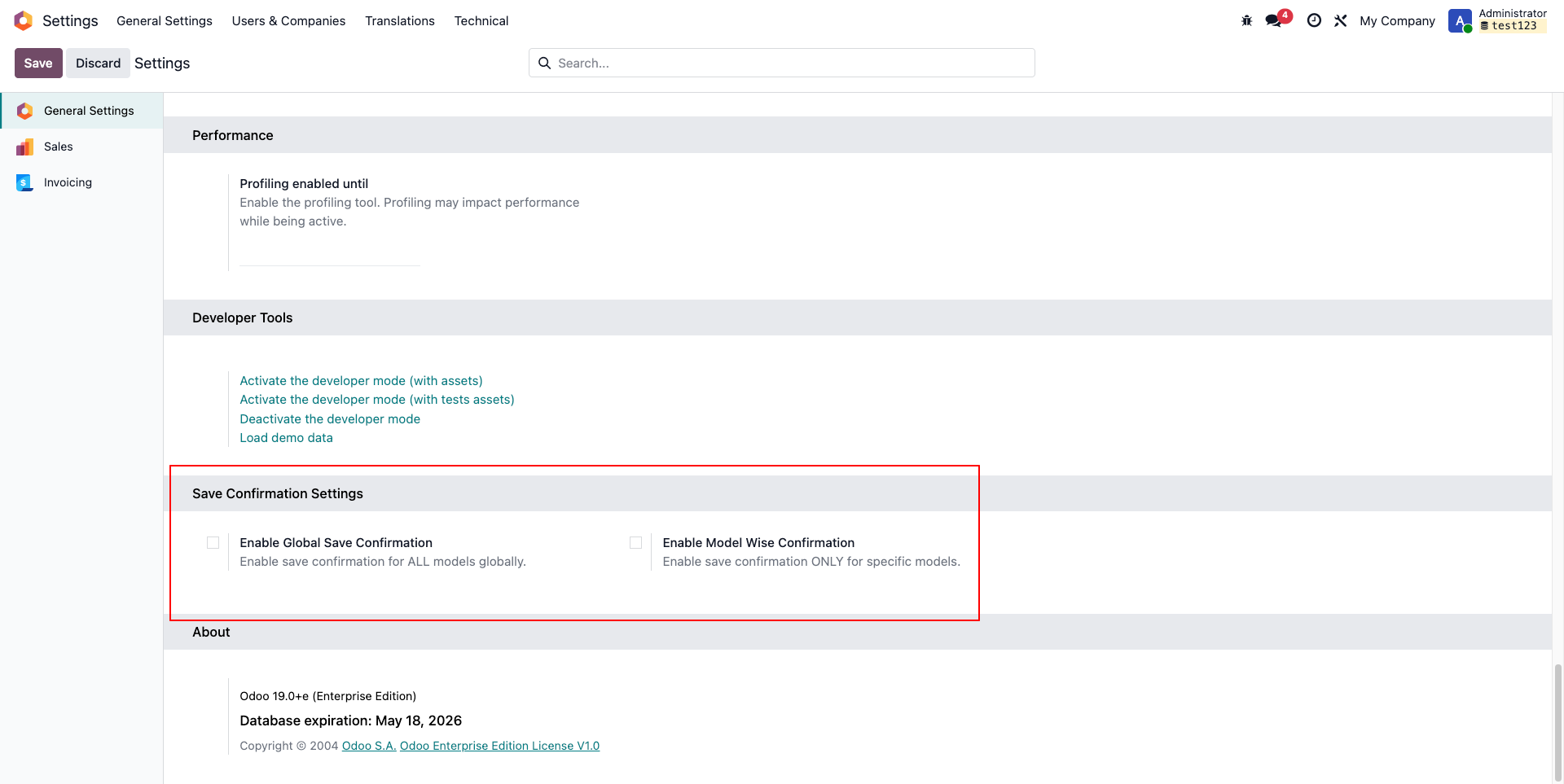
Configurations:
- Global Toggle: Enable/disable the popup across all Odoo forms with one click.
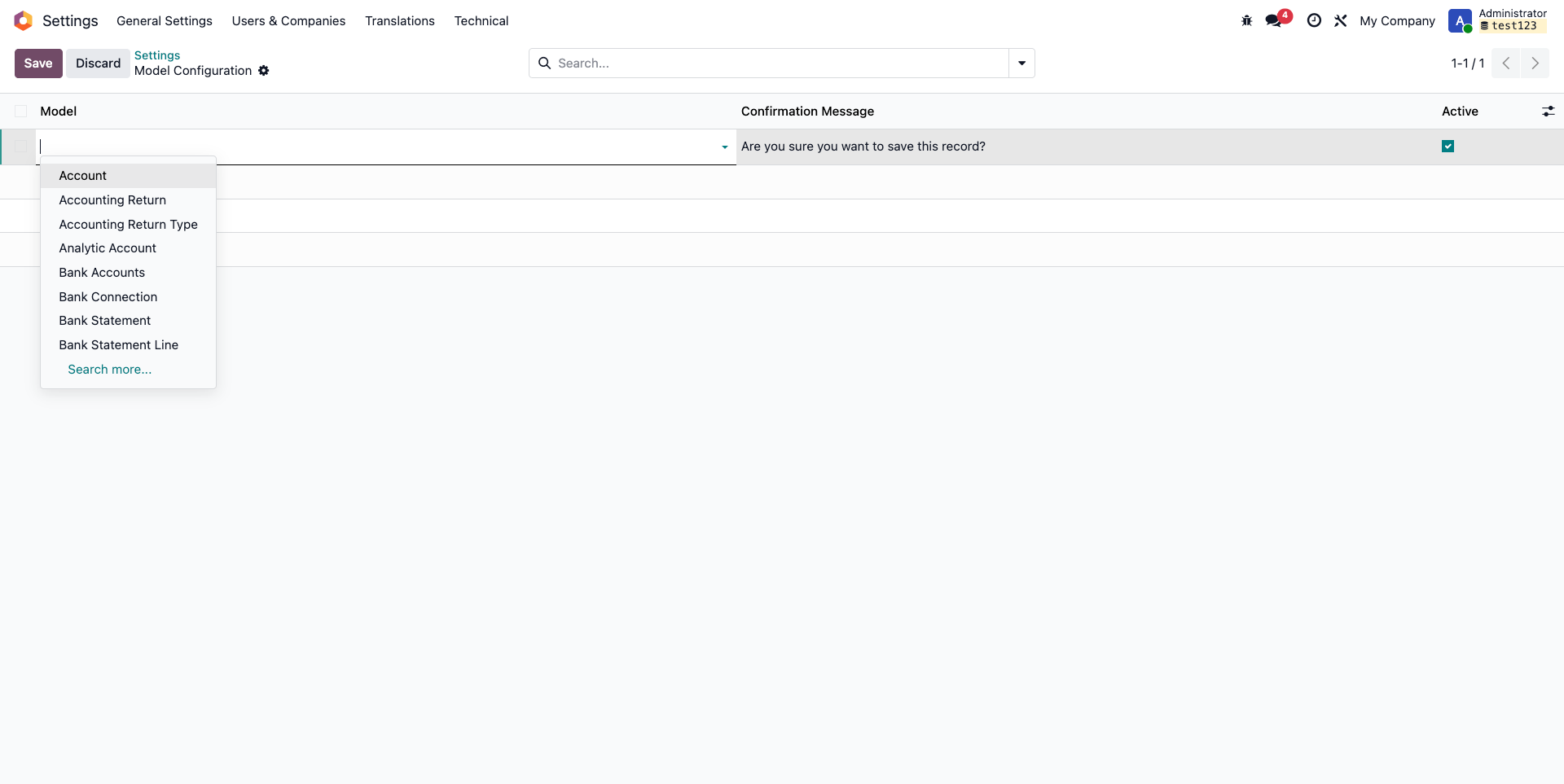
- Model-Specific: Enable the popup only for sensitive models (e.g., just for Sales or Accounting).
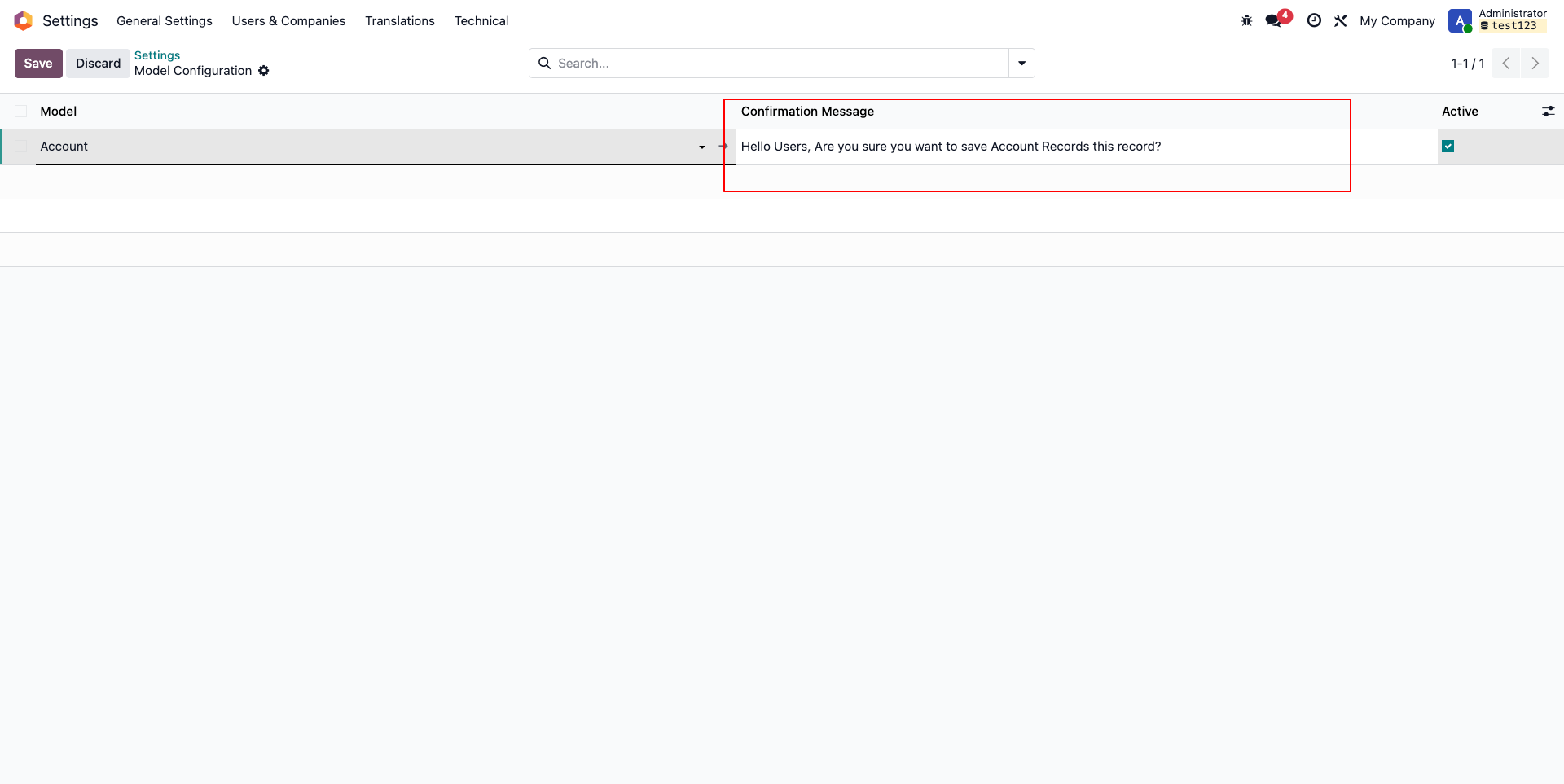
- Custom Messages: Set different warning messages for different forms.
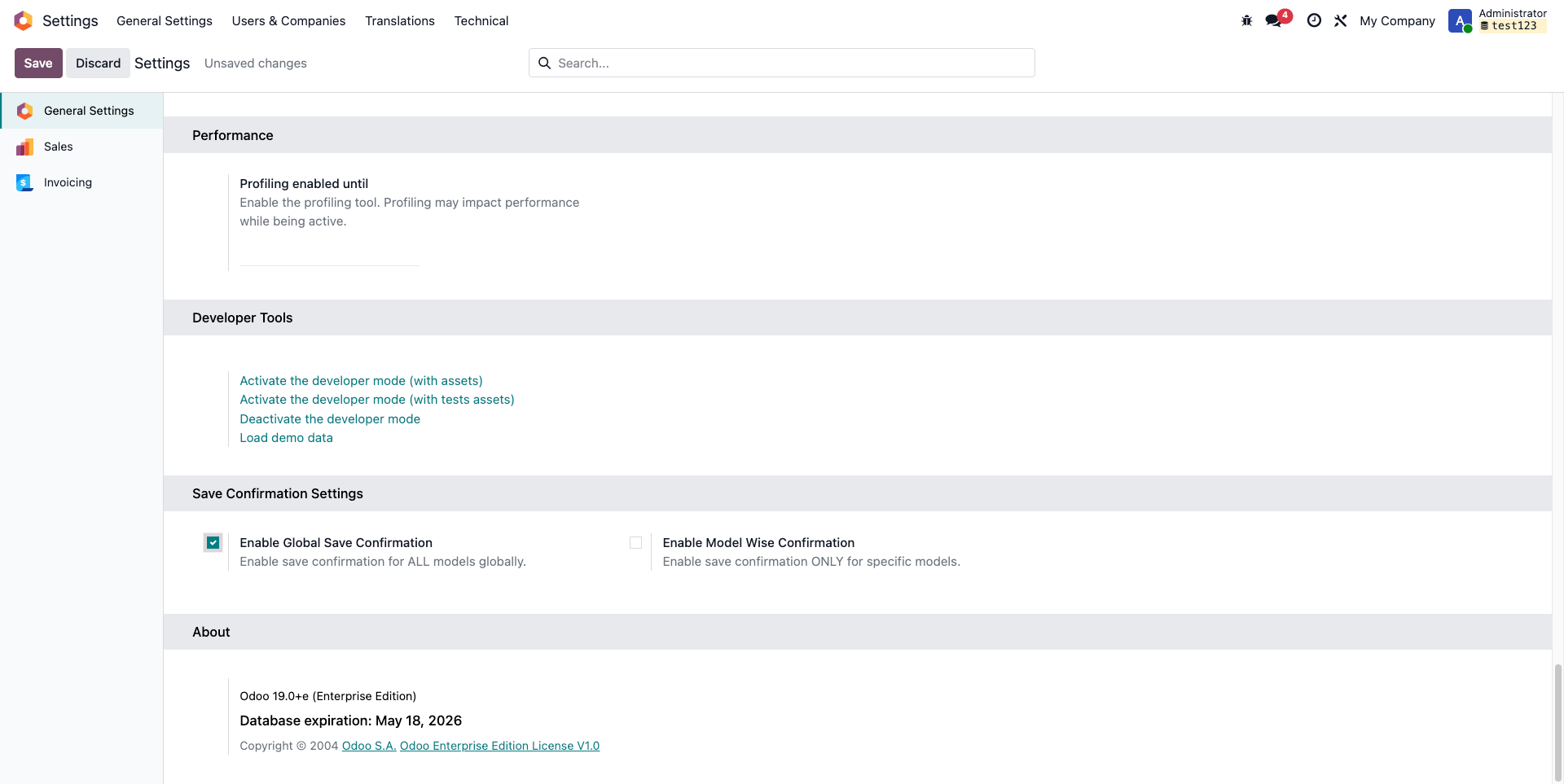
If set the Global Save Confirmation
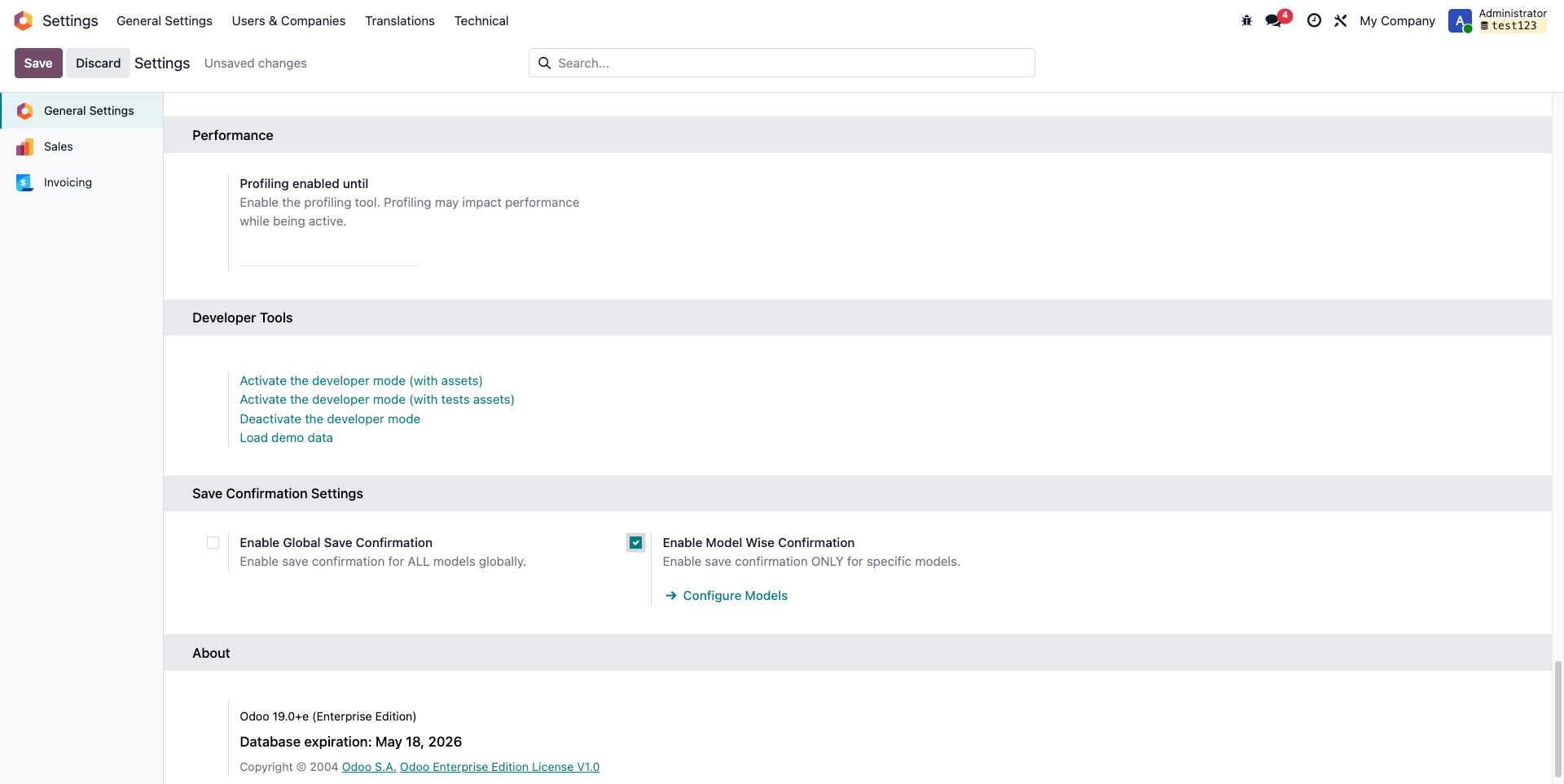
If set the Enable Model Wise Confirmation