 Point of Sale
This module streamlines the ordering process by transforming category selection into a full-featured management tool.
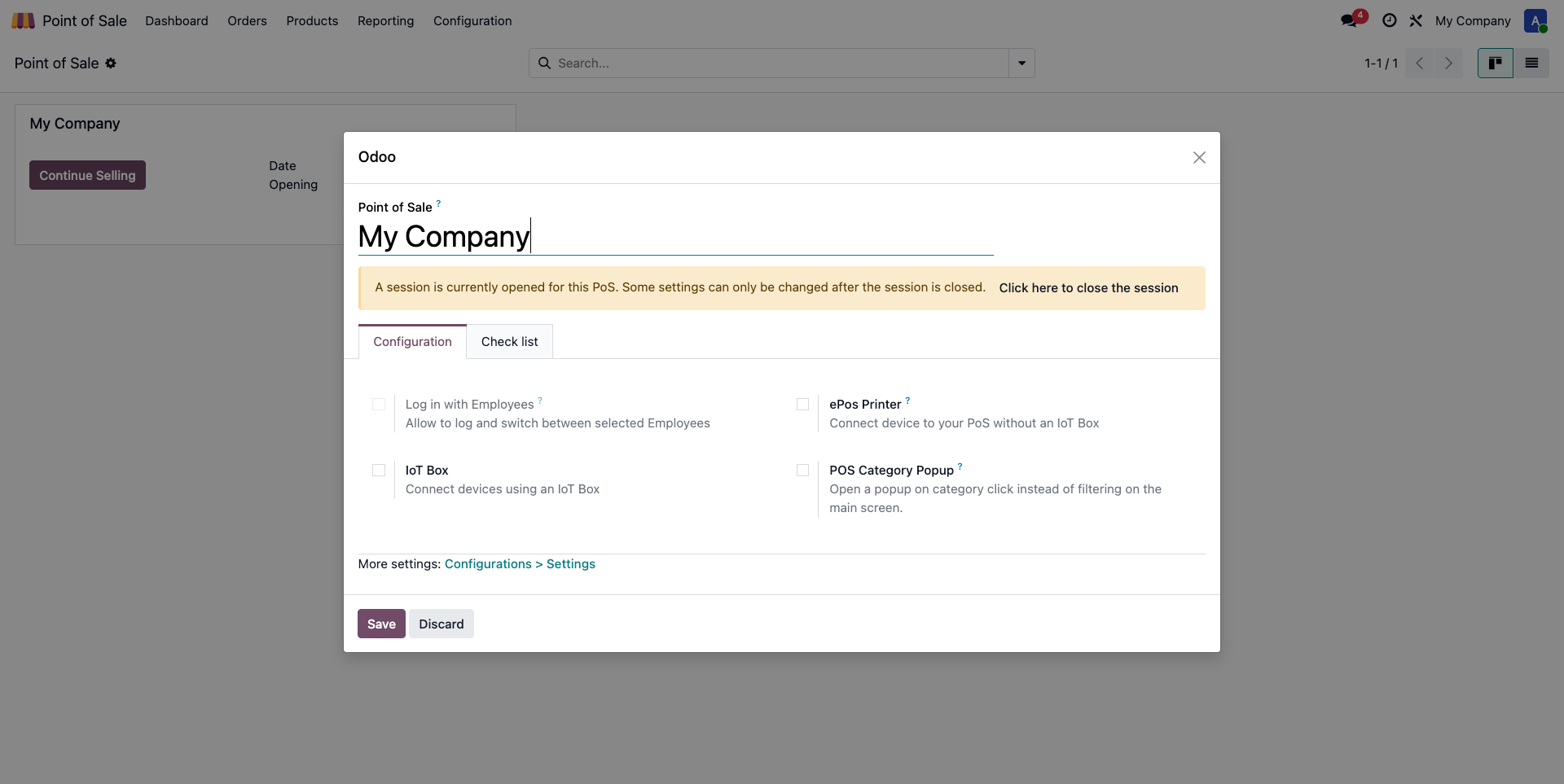
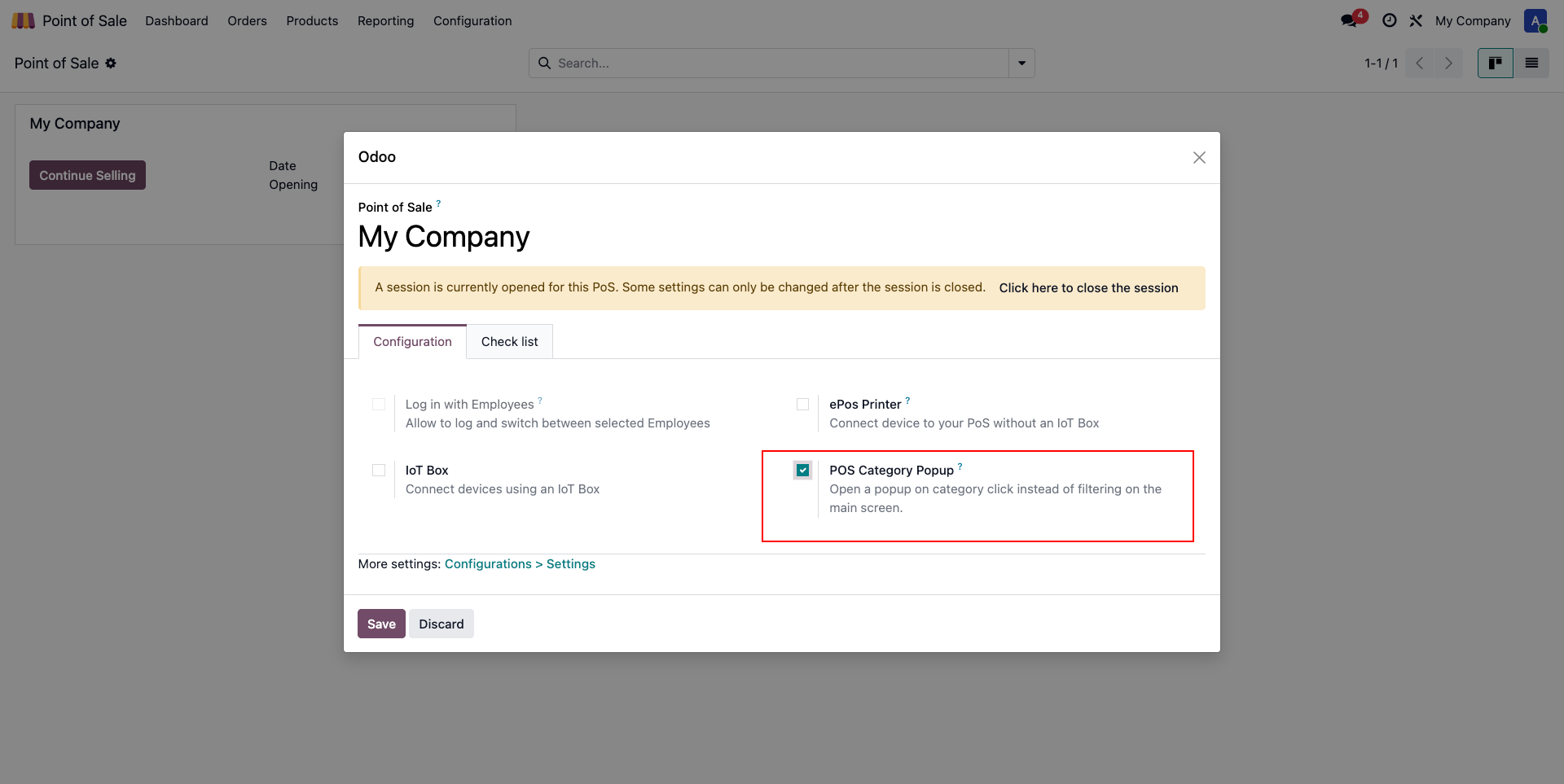
Session Configuration: The feature is controlled by a dedicated setting in the POS session. The popup only activates if this configuration is set to True.
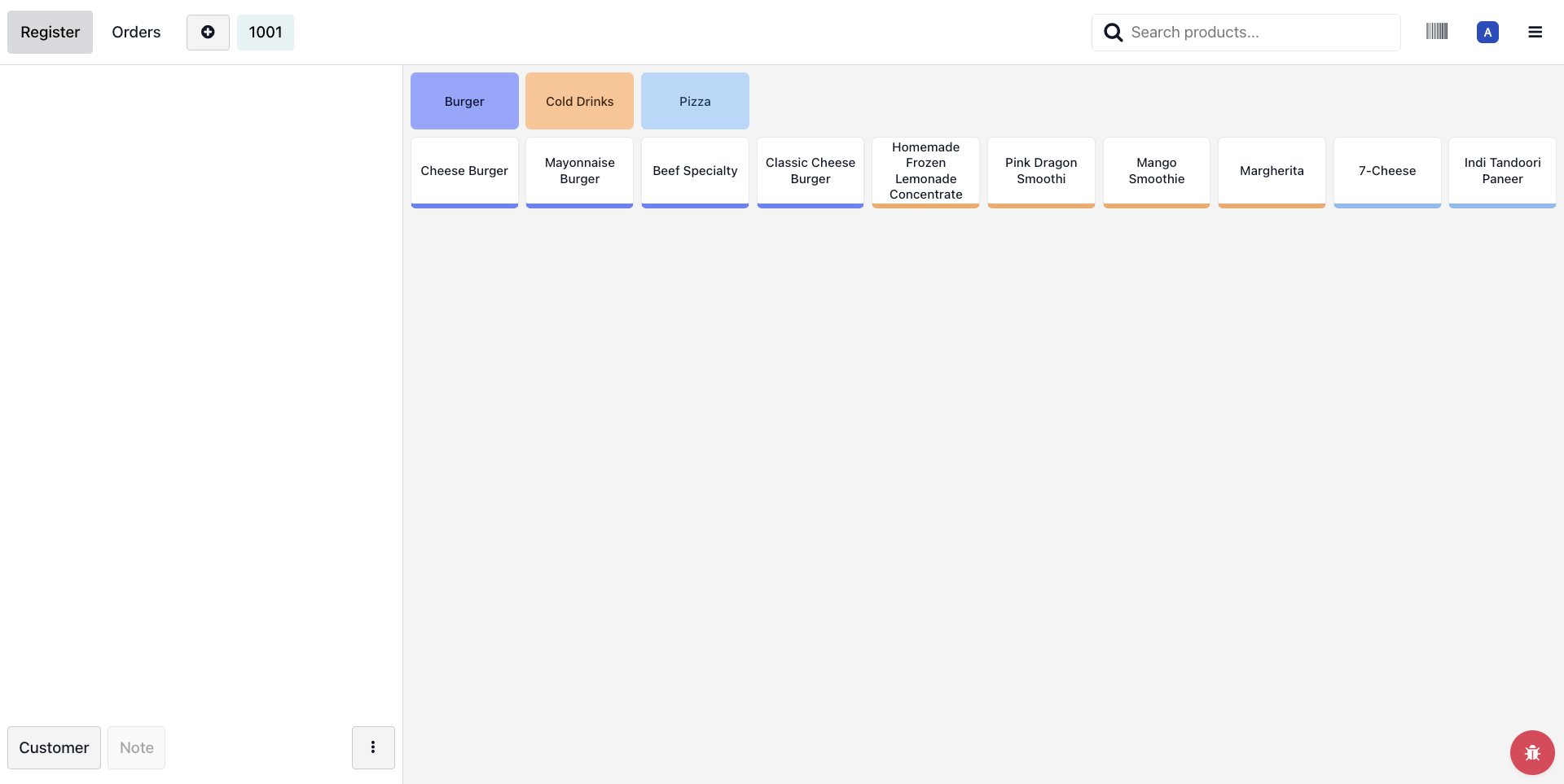
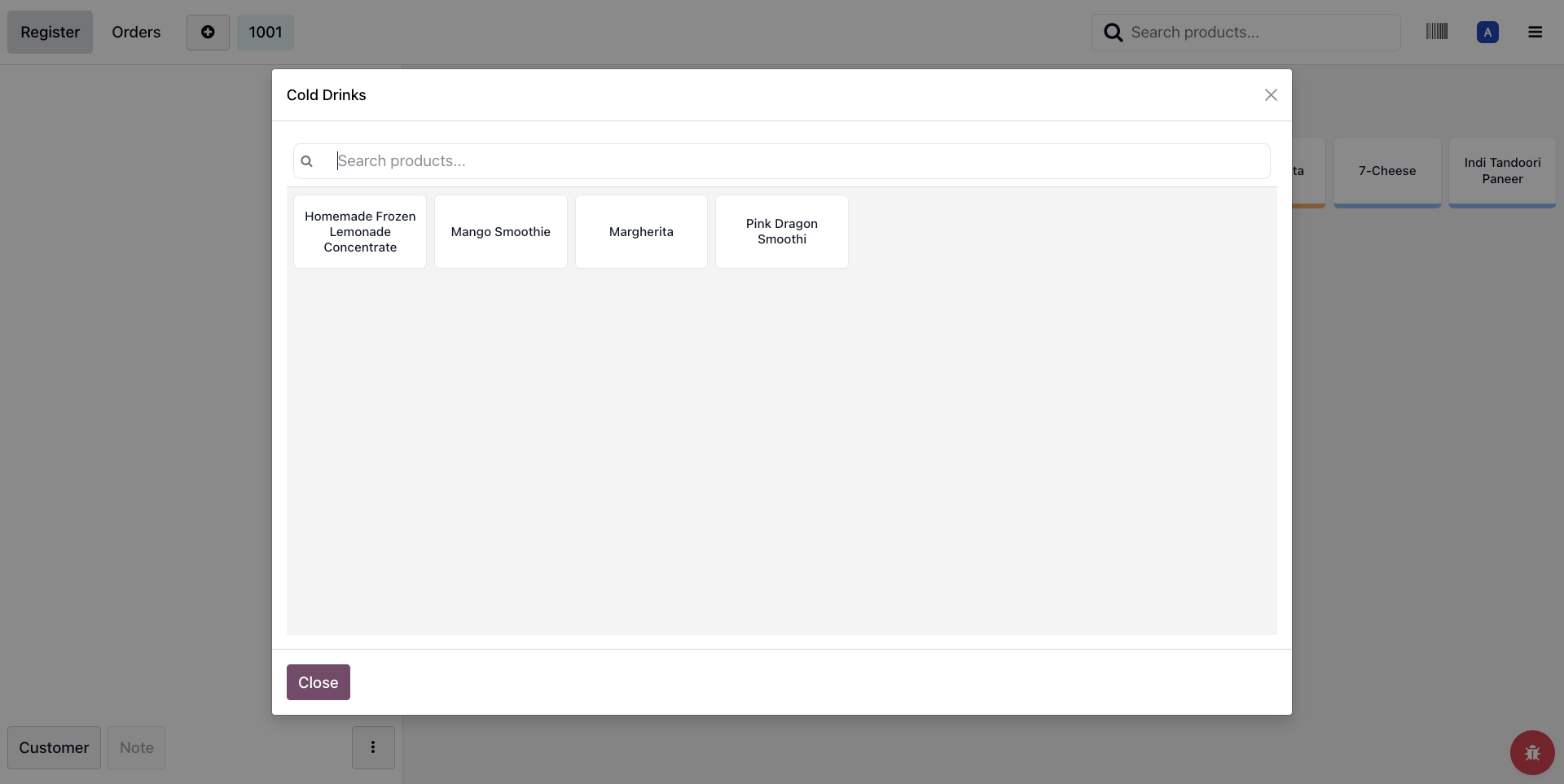
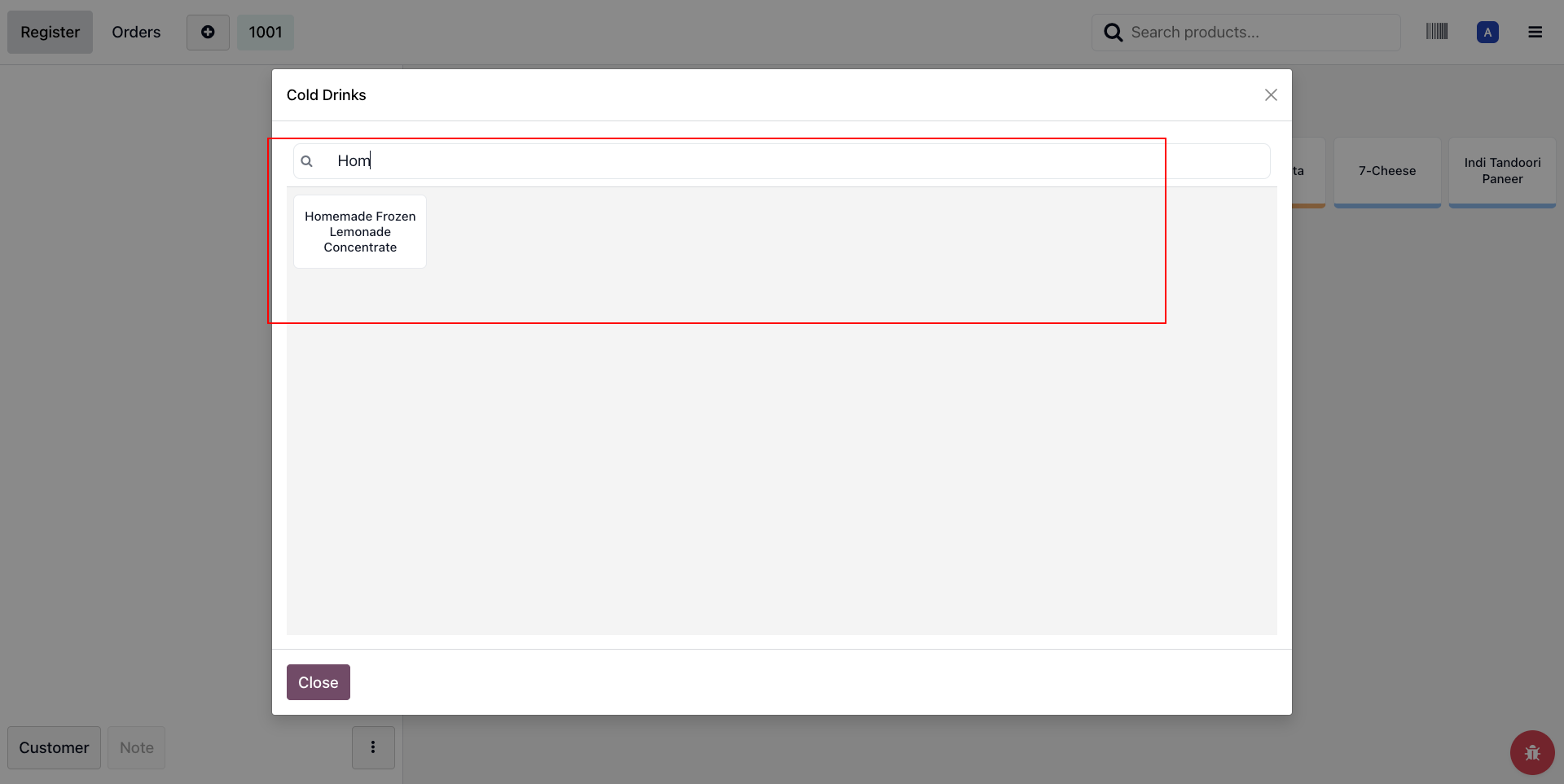
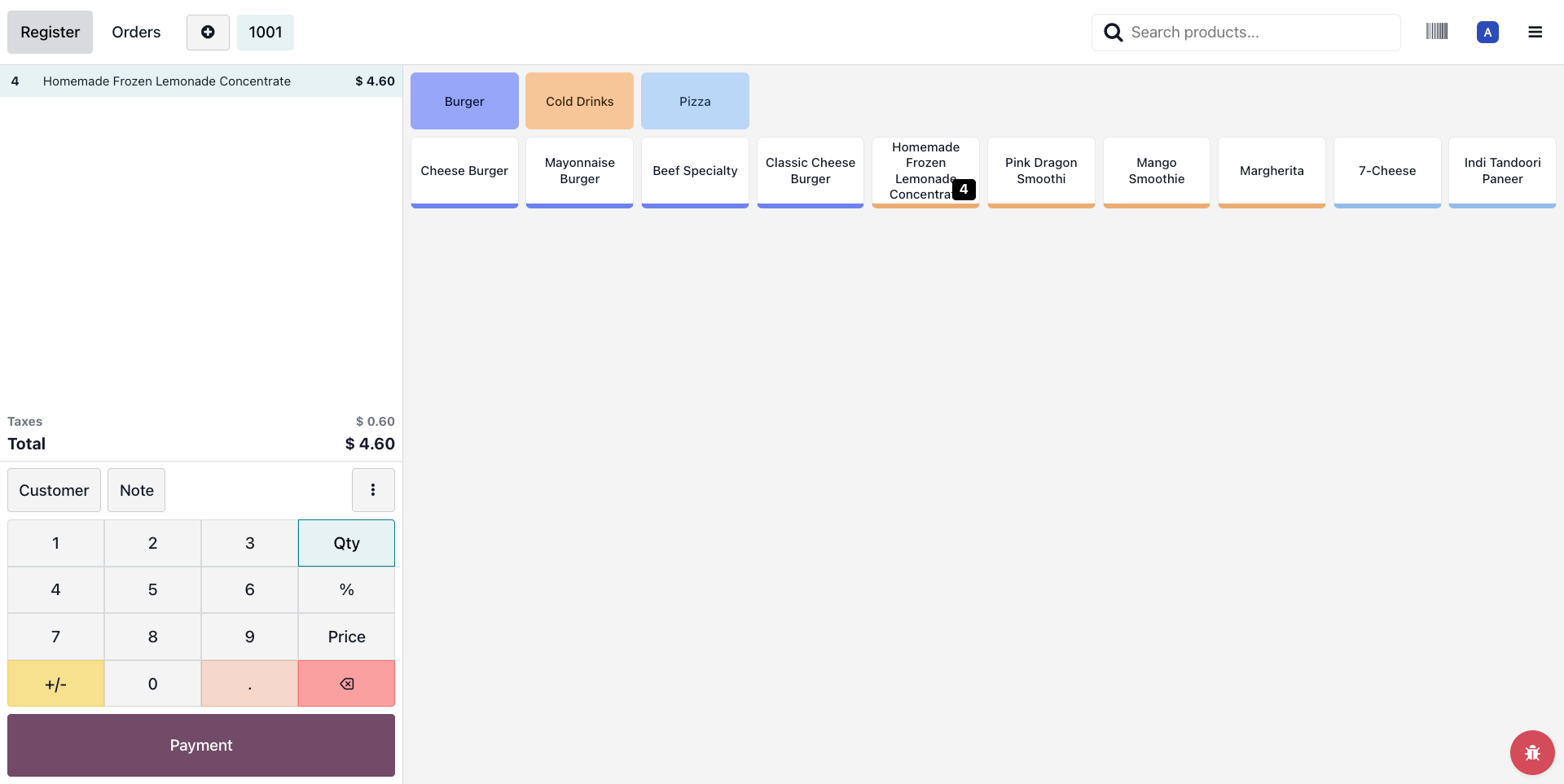
Contextual Trigger: When a cashier clicks a category on the POS screen, the system overrides the default filter and launches a specialized popup window.
Comprehensive Order Management in Popup:
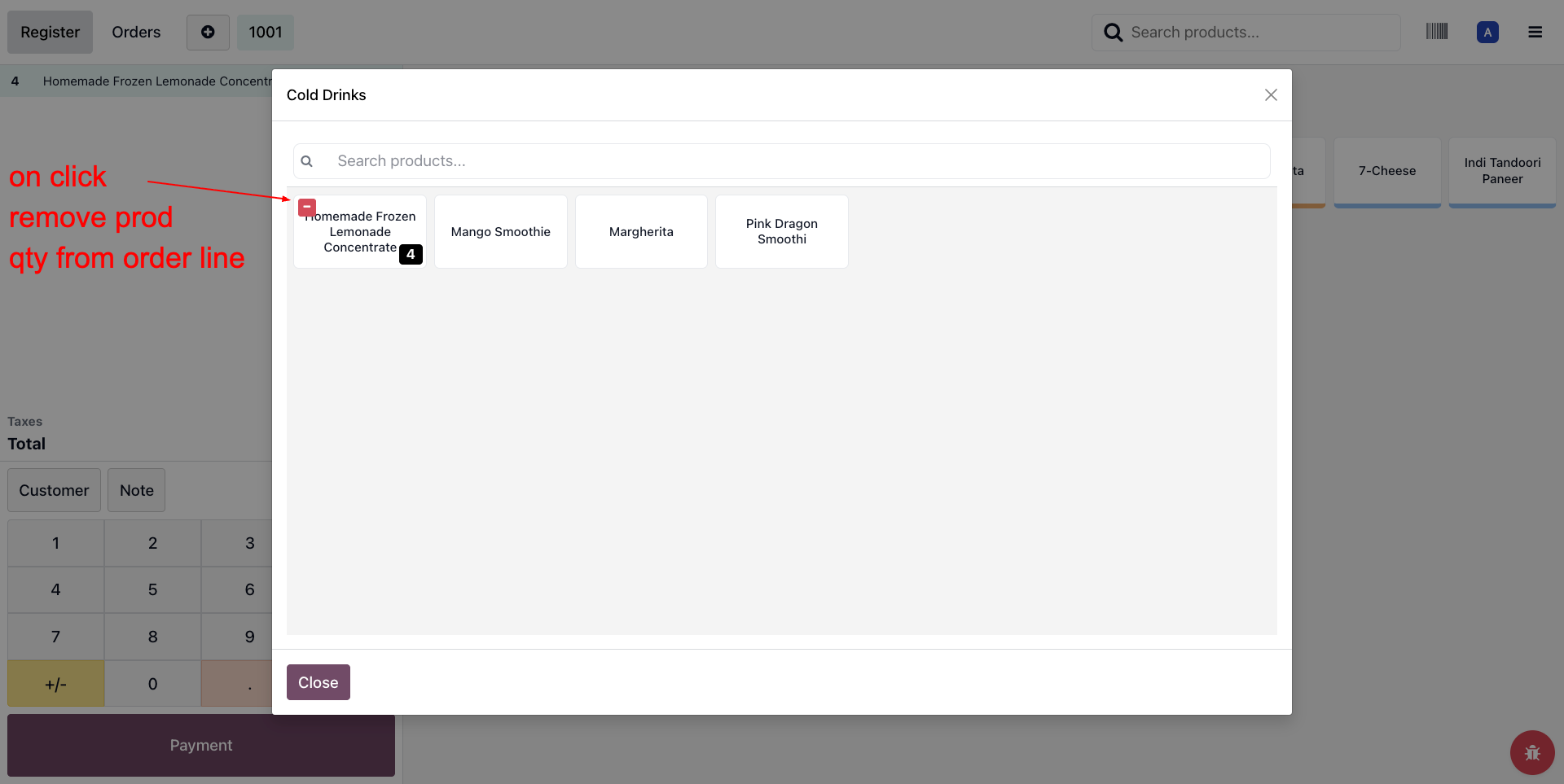
Filtered Selection: Only products belonging to the clicked category are displayed within the popup.
Add & Remove Logic: Users can seamlessly Add new products to the cart or Remove existing items directly within the popup interface.